

TAGTHAi Easy Pay gives foreign tourists a way to scan many Thai PromptPay merchant QR codes without opening a Thai bank account. It combines the TAGTHAi app with Kasikornbank’s PAY&TOUR prepaid Visa card. Visitors exchange eligible foreign currency at a participating KBank foreign-exchange booth, receive the card, then register it in the app using passport and card details.
The service is useful, but it is not identical to a Thai current account. Cash loading, exchange rates, card limits, eligible QR types, refunds and current fees matter. Set it up while a participating booth is open, test a modest payment and retain ordinary cash plus another card. A wallet that works in one cafe should not be the only means of payment for the rest of a trip.
Get The Card
Visit a participating KBank foreign-exchange booth with your passport and supported foreign banknotes. Ask for the day’s exchange rate, minimum or maximum load, card fee and refund conditions before handing over cash. Thai baht cannot simply be loaded as cash into this tourist product. Keep the exchange receipt, reference number, PIN and card packaging separate from the card itself.
Register Safely
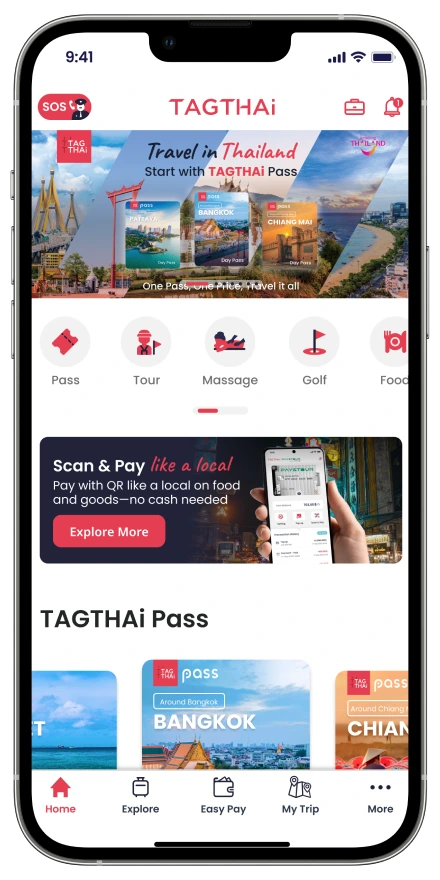
Download TAGTHAi from the legitimate app store listing and select Easy Pay. The setup uses passport information plus PAY&TOUR card or transaction details. Enter sensitive data away from shoulder surfers and never let a stranger take the phone to complete the process. Create a strong screen lock and enable the phone’s loss protections before carrying a travel balance.
Scan A Merchant QR
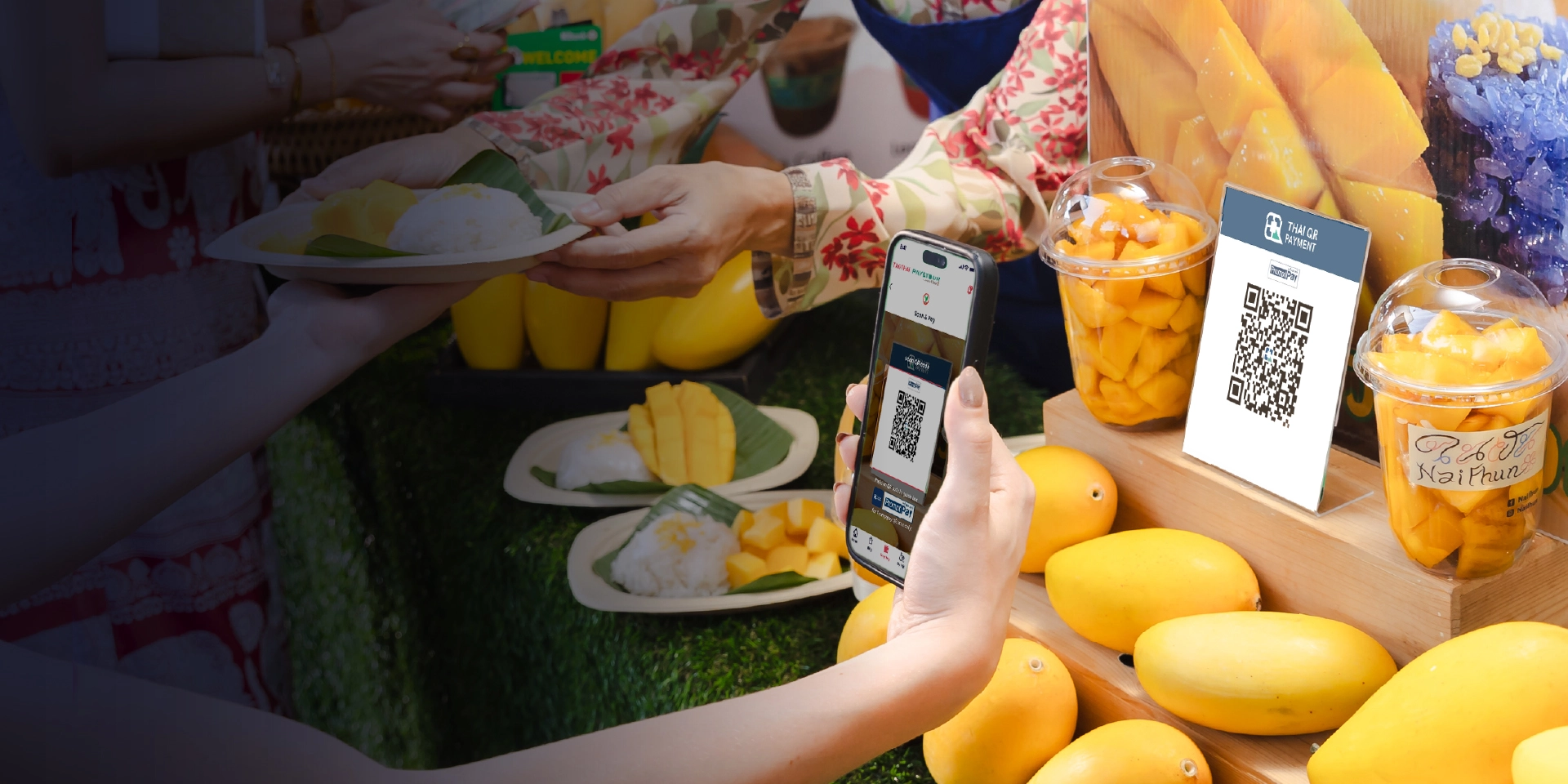
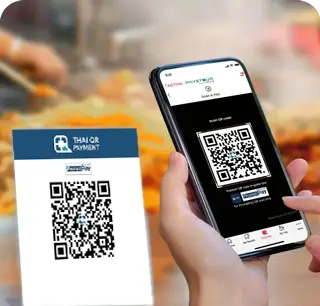
In the Easy Pay section, scan the merchant’s PromptPay QR, enter the amount when required and verify the recipient name with the cashier before confirming. Never scan a QR sent by an unknown person or stuck over another code. Show the successful in-app transaction to the merchant, but do not expose unrelated card or passport information.
Know What Works
The service is intended for participating merchant PromptPay payments, not every personal transfer, bill code or online request. Some tills use dynamic QRs with the amount included; others require entry. If the app rejects a code, pay another way rather than repeatedly guessing. The PAY&TOUR card can also operate on the Visa network where its current card rules permit.
Watch The Exchange
The wallet is funded through a foreign-currency exchange, so value depends on the rate applied at loading and any later buyback. Compare the displayed KBank rate with alternatives and ask whether the same rate promise has conditions. Do not convert an entire holiday budget simply for convenience. Load a sensible amount, then top up through the proper booth process if needed.
Check Fees And Limits
Current promotional material may advertise no application or card fee, but earlier campaign periods and FAQs can expire. Ask the booth to show today’s fee schedule, ATM charge, card expiry, transaction limit and maximum balance. ATM withdrawals at KBank machines may be advertised without a local withdrawal fee, yet foreign exchange and other network conditions can still affect value.
Track The Balance
Use the app’s transaction history after each payment and compare it with the receipt. Report an unfamiliar transaction promptly through legitimate KBank or TAGTHAi channels. Do not share one wallet among unrelated travellers; individual records make disputes and refunds clearer. Keep only the trip amount needed, just as you would avoid carrying every banknote in one pocket.
Handle A Failure
First check mobile data, app login, card status, available balance and the merchant name. Ask the cashier to confirm whether the transaction actually arrived before paying again, because duplicate attempts can create two successful charges. Save error screens without exposing credentials. If support is needed, use contacts inside the legitimate app or bank site rather than a number from a search advert.
Recover Leftover Funds
Before departure, ask a participating KBank booth how unused balance is bought back, which currency is available, what receipt or card must be shown and whether the process follows the original or current rate. Leave enough time during operating hours. Do not discard the prepaid card, PIN information or loading receipt until the balance is zero and any refund is complete.
Keep A Backup
Carry some Thai baht for markets, transport or outages and keep a separate international card for larger purchases. Store emergency funds apart from the phone. If the device is lost, use another device to secure the mobile account and contact the card issuer. Convenience is highest when Easy Pay is one tool in a resilient payment plan, not a single point of failure.
At A Glance
- Who it is for: Foreign tourists who want participating Thai QR payments without a local bank account.
- Core products: TAGTHAi app plus a KBank PAY&TOUR prepaid Visa card.
- Setup: Exchange supported foreign cash at a participating KBank FX booth, then register with passport and card details.
- Payments: Scan eligible merchant PromptPay QR codes and confirm the recipient before authorising.
- Other functions: Transaction history, eligible Visa use, KBank ATM access and a leftover-balance buyback process, subject to current terms.
- Before loading: Confirm the exchange rate, fees, limits, expiry and refund rules at the booth.
Keep Planning
Browse more TFT coverage in Money, Travel and Deals.
Questions
Can tourists use PromptPay without a Thai bank account?
TAGTHAi Easy Pay supports many participating merchant PromptPay QR payments through the PAY&TOUR prepaid card.
Can I load Thai baht cash?
The product is funded by exchanging supported foreign currency at participating KBank booths; direct Thai-baht cash loading is not the route described.
Does every QR code work?
No. Personal-transfer, bill-payment or unsupported codes may fail. Use it only where the app and merchant accept the transaction.
What happens to unused money?
A buyback process is available, but confirm the booth, documents, exchange treatment and opening hours before departure.